
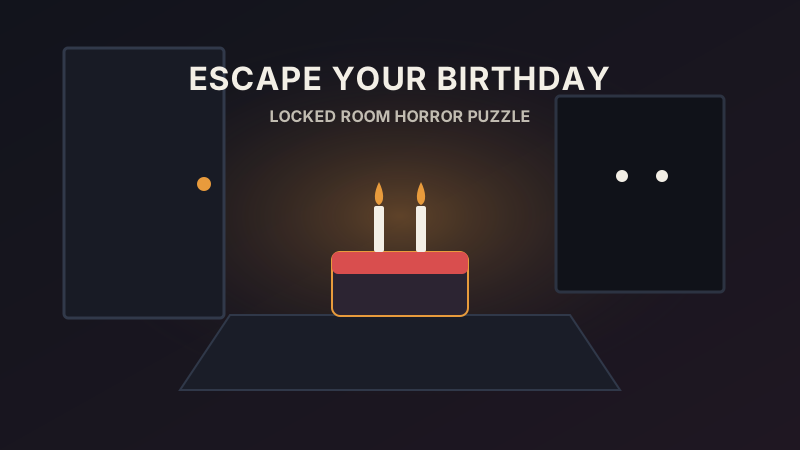
Controls for Escape Your Birthday game
Unity WebGL first-person movement keeps controls compact so your full focus stays on searching shelves, drawers, and wall clues.
| Control | Input | Function |
|---|---|---|
| Walk room corners | W A S D | Search around the birthday table and locked exit |
| Look around | Mouse | Aim crosshair toward clues, drawers, and handles |
| Pick up or use items | Left Click | Grab keys, inspect notes, and test exit locks |
| Pause or release cursor | Esc | Free your pointer or check browser viewport settings |
What is Escape Your Birthday?
Built in 2022 by indie developer AndreGameDev (EscapeYourBirthdayV2 v1.0), this compact Unity 3D escape-room thriller opens with a stark premise: a locked room, a glowing birthday cake on the table, and a clear warning that someone else is in there with you.
Rather than sending you through sprawling multi-floor mansions, every puzzle sits inside one tight interior. You inspect dark shelves, open drawers for keys or code scraps, and glance over your shoulder whenever ambient audio shifts behind the table.
Tips for beating the birthday escape room game
- Move systematically around the room perimeter from left to right rather than spinning aimlessly when searching for tiny dark objects.
- Sweep your center crosshair slowly across desk edges, cake props, and low cabinet shelves because triggers require pointing close to small handles.
- Listen with speakers or headphones; subtle ambient shifts signal when something reacts to lock progress.
- Switch to Fullscreen under the stage frame before solving locks so cursor focus stays locked inside the viewport.
Technical notes on this Escape Your Birthday build
Older portal links mislabeled this Unity package under unrelated mascot titles. Restoring the original title Escape Your Birthday (EscapeYourBirthdayV2) by AndreGameDev ensures puzzle hints and expectations match the exact game running inside the iframe.